Computer Support Specialist training helps students understand how computer hardware, software, operating systems, networks, security practices, and users connect. Technology problems rarely arrive with a clear explanation of what caused them. A user may only know that a device is slow, a program will not open, or a shared file is unavailable. Support specialists need to gather information, investigate the system, and communicate what should happen next.
Southern Careers Institute’s Computer Support Specialist diploma program develops those abilities through technical coursework and laboratory activities. Students begin with computing concepts and progress into operating systems, hardware, productivity applications, networking, security, help desk procedures, and career preparation. The courses are designed to build on one another so students can see how several parts of a technology environment may contribute to one problem.
Computing Essentials, Operating Systems, and Hardware
The program begins with Computing Essentials. Students develop a basic understanding of computers, information systems, software, hardware, and the ways technology is used to organize and process information. This course gives students a vocabulary they can use when describing a system or asking technical questions.
Students then study operating systems. An operating system manages many of the functions people rely on each day, including applications, files, devices, accounts, permissions, and system settings. Students learn how to navigate these areas and begin examining the kinds of concerns that may interrupt normal use.
An application that will not launch could be affected by the program itself, the operating system, available storage, account permissions, or another system condition. Students learn to gather information and review the relevant areas instead of assuming every application problem has the same solution.
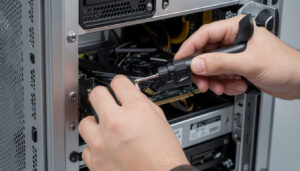
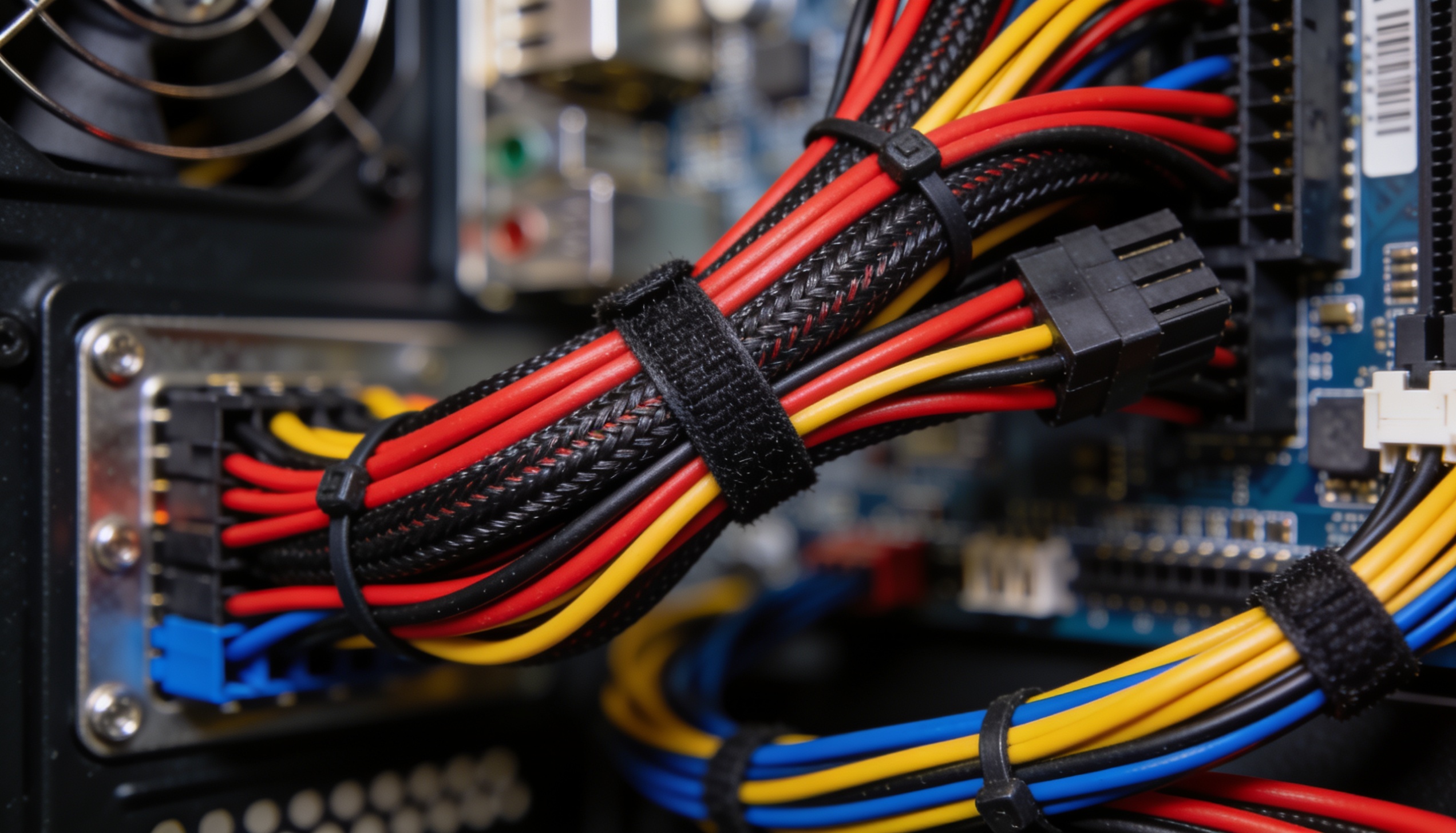
Computer Hardware introduces the physical components of a system. Students learn about processors, memory, storage, cables, displays, printers, and other peripheral devices. They also explore the setup and installation procedures used to prepare equipment for use.
Hardware knowledge helps students distinguish between physical and software-related causes. A display problem might involve the monitor, cable, graphics settings, or another component. A storage concern may appear as a software error even though the underlying issue involves available drive space or a physical device.
Laboratory activities allow students to apply these concepts through computer equipment and simulated software. They can practice identifying components, checking connections, navigating system information, and following setup procedures under guidance.
These early courses establish habits that continue throughout the program. Students learn to begin with the information available, identify what the system should be doing, and compare that expected behavior with what they observe.
Productivity Tools, Networking, and Security
Computer support specialists often assist people using everyday productivity applications. SCI’s curriculum includes instruction in productivity tools so students can become familiar with software used for documents, spreadsheets, presentations, communication, and related tasks.
Supporting these tools requires more than knowing where each button is located. A user may have difficulty opening a file, formatting information, locating a saved document, sharing work, or using a feature correctly. Students learn to understand the task the person is trying to complete and then explain the steps clearly.
Networking adds another layer. Computers and devices frequently depend on connections to reach the internet, printers, shared files, servers, or other resources. Students study basic networking concepts so they can begin determining whether a reported issue affects one device, one user, or a larger connected environment.
A computer may operate normally while being unable to access a shared resource. That distinction helps students narrow the investigation. They may need to review the local connection, network settings, account access, device status, or the availability of the shared service.
Networking instruction also helps students understand that devices do not operate in isolation. A change to one part of a connected system can affect several users, which makes accurate documentation and communication important.
Security coursework introduces the practices used to protect systems, accounts, and information. Students study concerns related to passwords, permissions, updates, software, safer user behavior, and common technology risks. Computer support personnel may be among the first people contacted when a user sees an unusual message or cannot access an account.
Students learn to treat security concerns carefully rather than dismissing them as ordinary technical problems. They also begin understanding the limits of their role. Some issues can be handled through standard support procedures, while others may need to be referred to security personnel, administrators, or outside vendors.
Together, productivity, networking, and security courses show students how technical support can move from one user’s screen into the broader systems an organization depends on.
Help Desk Procedures and Professional Communication
Help Desk coursework brings the technical subjects into a support process. Students practice receiving a problem report, asking questions, identifying likely causes, testing possible solutions, and documenting what happened.
The first description of a problem is rarely complete. A user may say that the internet is down when one website will not load, or that the computer is frozen when one application has stopped responding. Students learn to ask focused questions without making the user feel dismissed.
They may ask what the person was doing before the problem appeared, whether an error message is visible, whether another application works, and whether anyone else is affected. These questions help transform a broad complaint into information that can guide troubleshooting.
Communication remains important while the student investigates. Users may be anxious about lost work or worried that they caused the issue. Support specialists need to remain calm, explain what they are checking, and avoid promising a solution before they understand the problem.
Students also learn to document the interaction. A useful record can include the reported symptoms, relevant system information, actions taken, results, and any remaining concern. Documentation allows another technician to continue the work and can help an organization recognize repeated issues.
The program’s objectives also include setting up employee equipment, installing cables, operating systems, or software, observing system performance, maintaining records, and making minor repairs within the support role. Students may also learn when a problem should be referred to a vendor or another technician.
Professional support therefore involves judgment as well as technical knowledge. Students need to recognize what they can address safely, what requires additional authorization, and what should be escalated.
Program Structure and Preparation for the Next Step
SCI’s Computer Support Specialist diploma includes 720 clock hours and 58 quarter credits. The estimated completion time is 27 weeks. Students complete 440 theory hours and 280 laboratory hours across courses in computing essentials, operating systems, computer hardware, productivity tools, networking, security, help desk work, and career preparation.
Students train with computer equipment and simulated software to perform support tasks and practice hardware and software setup. The program does not include a required externship, so laboratory participation is an important part of applying the curriculum.
SCI offers Computer Support Specialist training through distance education at the Austin campus and through traditional instruction at Brownsville. Online students need a dependable computer, internet access, and a regular schedule for assignments and technical practice. Brownsville students complete instruction on campus and need reliable transportation and attendance.
The catalog lists a Windows 10 or 11 PC or compatible Mac with at least 8 GB of memory, a 512 GB drive, and an Intel Core i5 or AMD Ryzen 5 processor. Current requirements should be confirmed with SCI before a student buys equipment.
Career-preparation coursework helps students practice résumé development, interviewing, and other job-search skills. SCI’s Career Services may provide additional assistance, but completing the program does not guarantee employment or a particular position.
What students learn in Computer Support Specialist training extends beyond repairing one device. They study the systems that keep technology operating, the process used to investigate problems, and the communication needed to help users understand the result. Contact Southern Careers Institute to learn more about the Austin and Brownsville options and determine whether the program matches the technical and service skills you want to build.