Computer Support Specialist training in Brownsville, Texas, can help students develop practical skills for assisting people with computer hardware, operating systems, software, networks, and common technical problems. Although support work involves technology, it is also centered on people. Students need to learn how to listen carefully, ask useful questions, explain instructions clearly, and document what happened.
Southern Careers Institute offers its Computer Support Specialist diploma program at the Brownsville campus through traditional delivery. Students attend campus-based instruction and work with computer equipment and simulated software while learning how to install, configure, maintain, and troubleshoot systems. This guide explains what the program covers, how hands-on learning supports the technical lessons, and what students should consider before enrolling.
Building a Foundation in Computers and Operating Systems
The curriculum begins with computing essentials. Students develop vocabulary related to hardware, software, information systems, files, applications, and the ways computers are used in a workplace. This starting point helps beginners understand why a system behaves the way it does.
Students then move into operating systems. They learn how operating systems organize files, manage devices, support applications, and control many of the settings users interact with each day. When a user cannot locate a file, open a program, connect a device, or access a setting, the support process begins with understanding how the operating system should function.
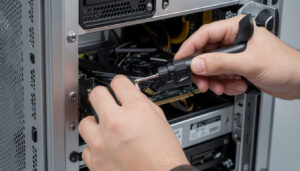
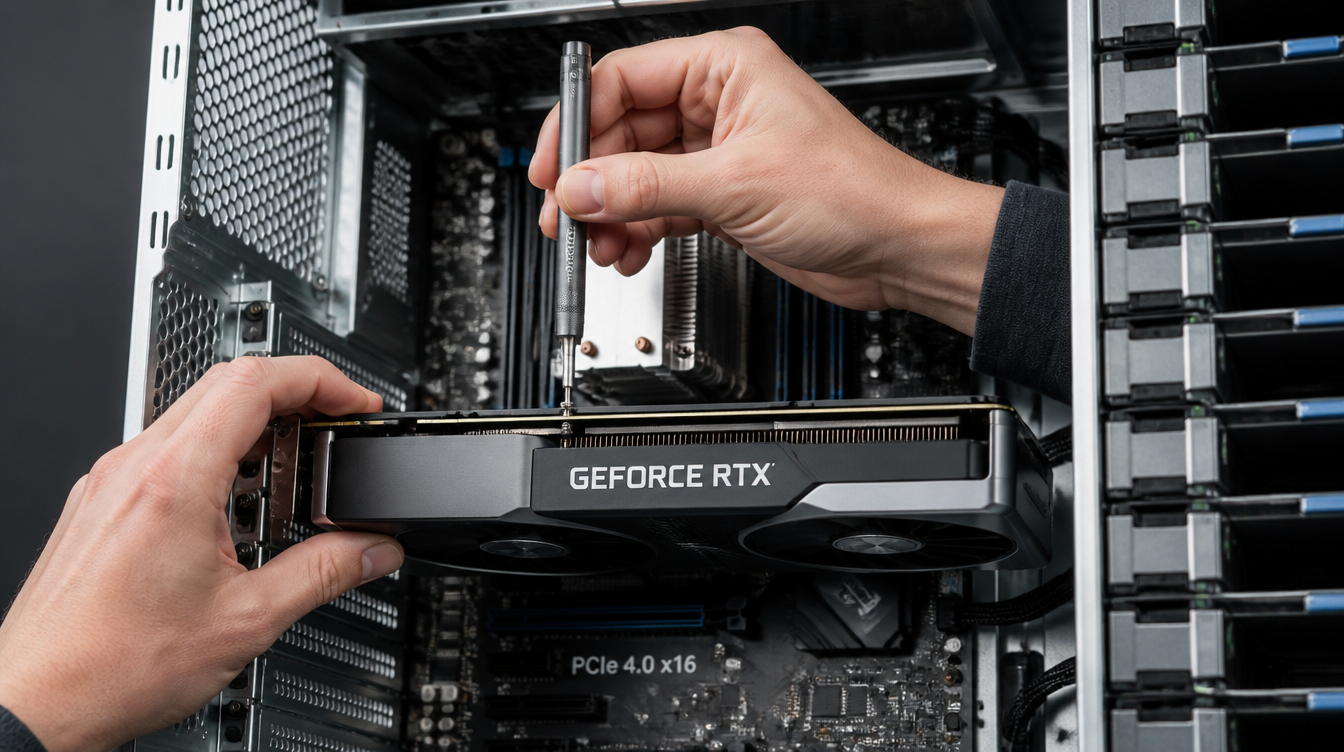
Computer hardware is another major subject. Students study the physical components that allow a system to store information, process instructions, display output, and connect with other equipment. They may work with memory, storage, processors, cables, printers, monitors, and additional peripheral devices. Hardware instruction also helps students understand why proper installation and setup matter.
As the program continues, students study productivity tools. Support specialists may help users work with documents, spreadsheets, presentations, email, and shared files, so they need familiarity with common applications.
These early courses create the foundation for networking, security, and help desk work. Students begin seeing how hardware, software, settings, user actions, and connected systems influence one another.
Learning Networking, Security, and Help Desk Procedures
Networking instruction introduces the systems that allow computers, printers, servers, and other devices to communicate. A user may report that the computer works but cannot reach the internet, access a shared drive, or connect with another device. Students learn to separate a local computer problem from a connection or network problem by gathering information and checking the system in an organized order.
Security coursework adds another responsibility. Support staff may help users with passwords, account access, updates, device settings, and safe technology practices. Students learn why access controls, software maintenance, careful communication, and awareness of common risks belong in routine computer support.
The help desk portion of the curriculum brings technical and customer-service skills together. Users often describe symptoms rather than causes. Someone may say that a computer is frozen, the internet is down, or a program has disappeared. The student needs to ask when the problem began, what changed, which error appeared, and whether the issue affects one device or several.
Students learn to avoid jumping to conclusions and test likely causes one at a time while recording the result.
Professional communication remains important throughout the interaction. A user may be frustrated or may not understand technical terms. Students practice explaining steps without making the person feel blamed or dismissed. They also learn when a problem can be resolved at the current support level and when it should be referred to another technician or vendor.
Documentation supports the whole process. Recording the reported problem, actions taken, and final result can help another team member understand the case later. It also helps support teams identify repeated concerns and avoid starting from the beginning each time.
What Campus-Based Practical Training Involves
SCI’s Computer Support Specialist program includes 720 clock hours and 58 quarter credits. The catalog lists 440 theory hours and 280 laboratory hours, with an estimated completion time of 27 weeks. The Brownsville offering is listed through traditional delivery, so students complete their instructional hours on campus.
Campus-based training gives students access to computer hardware, software, demonstrations, and supervised practical activities. Instructors can demonstrate components, explain system messages, and provide feedback on troubleshooting steps.
Laboratory work may include setup, installation, operating-system tasks, productivity software, networking exercises, security scenarios, and help desk simulations. Students practice gathering information, testing the system, explaining the result, and documenting their actions.
The program does not list an externship. Practical experience is built into the courses through laboratory activities, computer equipment, and simulated software. Students should therefore participate actively during scheduled lab time and use instructor feedback to improve.
Although the program is campus based in Brownsville, students should still confirm the current computer requirements. The catalog lists a Windows 10 or 11 PC, or a compatible Mac, with at least 8 GB of memory, a 512 GB drive, and an Intel Core i5 or AMD Ryzen 5 processor. Students should ask whether they must bring a personal laptop and verify specifications before buying one.
Attendance matters because a missed laboratory session may include a demonstration or guided activity that is difficult to reproduce alone. Prospective students should plan for transportation, employment, childcare, and study outside class. Technical vocabulary, commands, diagrams, and troubleshooting methods may require review between scheduled sessions.
Preparing for Student Life at SCI Brownsville
SCI’s Brownsville campus is located at 935 North Expressway. Visiting the campus can help prospective students see the computer-learning environment and ask how theory and laboratory hours are arranged. Students can also learn what a normal training week looks like and which tools or software they will use.
Useful questions include how instructors evaluate troubleshooting work, what support is available when a student struggles with networking or operating systems, and whether students work individually or in groups during practical activities. Prospective students should also ask about current start dates, attendance expectations, tuition, and financial aid. Financial aid may be available to those who qualify.
Students should consider whether they enjoy both technology and service, since the work requires technical knowledge and patient communication.
SCI’s Career Services may assist with résumé preparation, interview practice, and job-search skills. The program introduces knowledge relevant to help desk support, desktop support, hardware and software installation, and computer-user assistance. Employer requirements vary, and completing the diploma does not guarantee employment or a specific position.
Computer Support Specialist training in Brownsville, Texas, may fit students who want a campus-based learning environment and enjoy understanding why technology problems occur. The program combines computing concepts with hardware, operating systems, productivity tools, networking, security, help desk procedures, and professional communication. Contact Southern Careers Institute to tour the Brownsville campus and decide whether the program fits your educational goals.